HOW TO ADD HTML CODE TO YOUR WEBSITE
STEP 1:
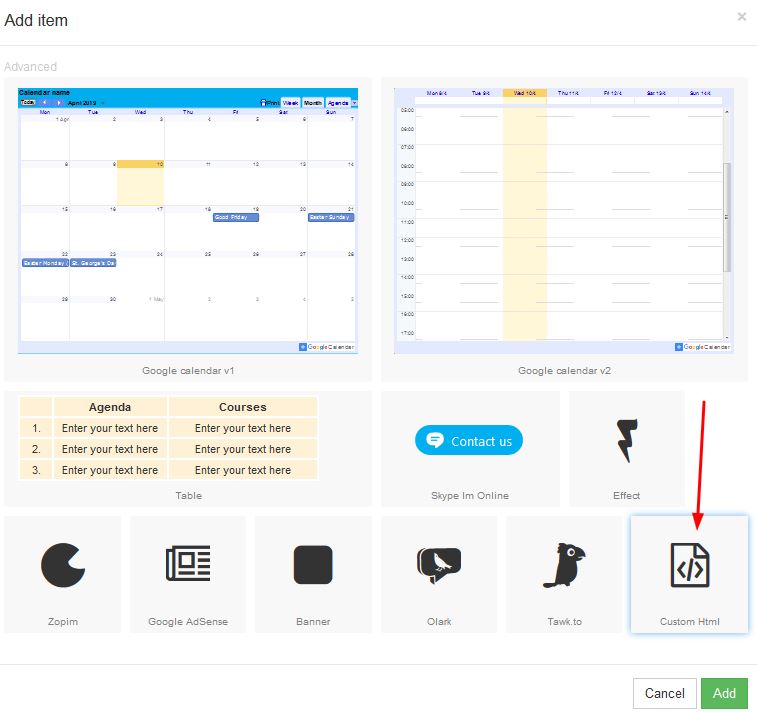
In order to add HTML code, click on "Advanced":

STEP 2:
Click on the button that says Custom HTML:
STEP 3:
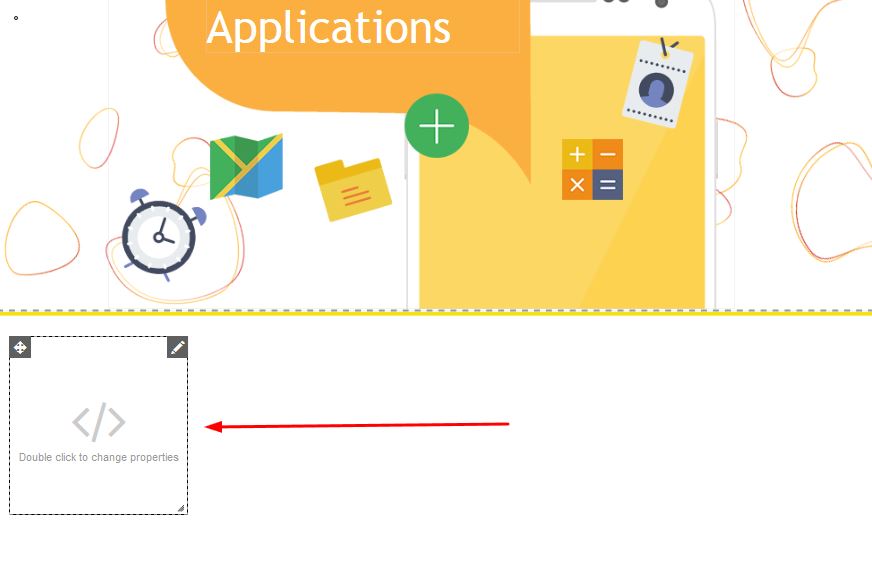
A box will appear on your page, which you are able to move to your desired place on the page:
STEP 4:
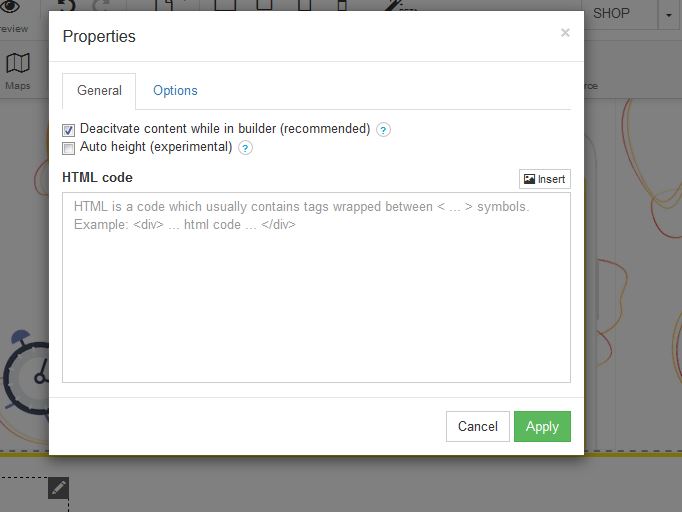
In order to add your code, double click on the box in order to change the properties. Once the properties box appears, you will be able to add the HTML code in the HTML code box: