In order to add media to your website, follow the steps below:
STEP 1:
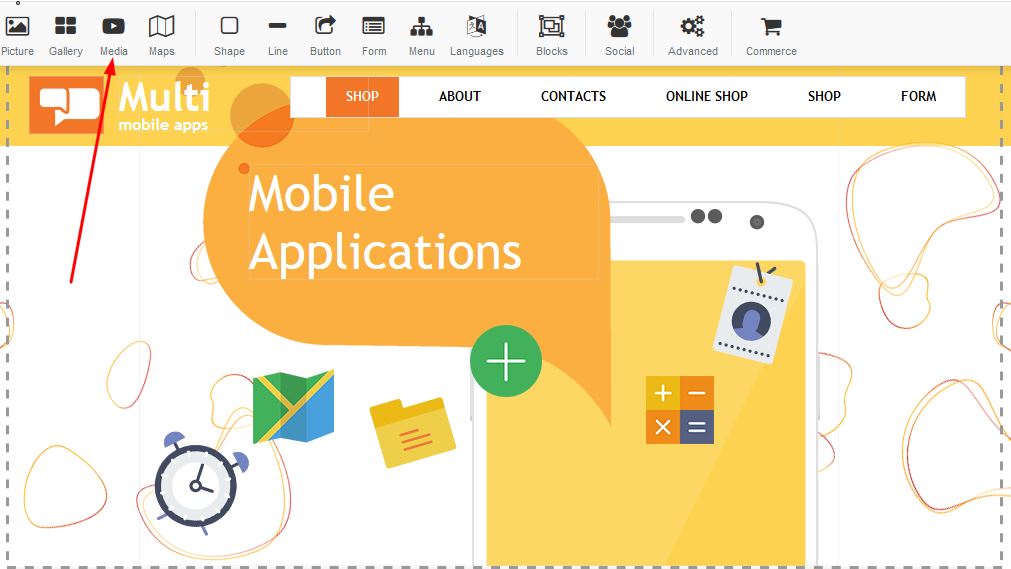
Click on the media icon in order to add media to your page:
STEP 2:
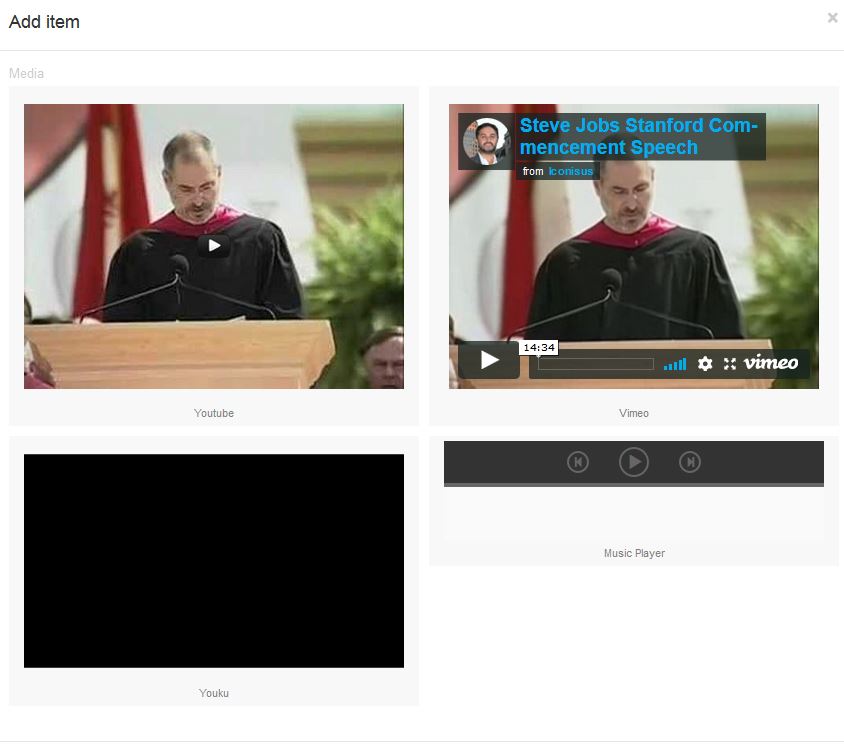
A block will appear with a few options - select your choice of media E.g Youtube, Vimeo, Youku or Media Player:
STEP 3:
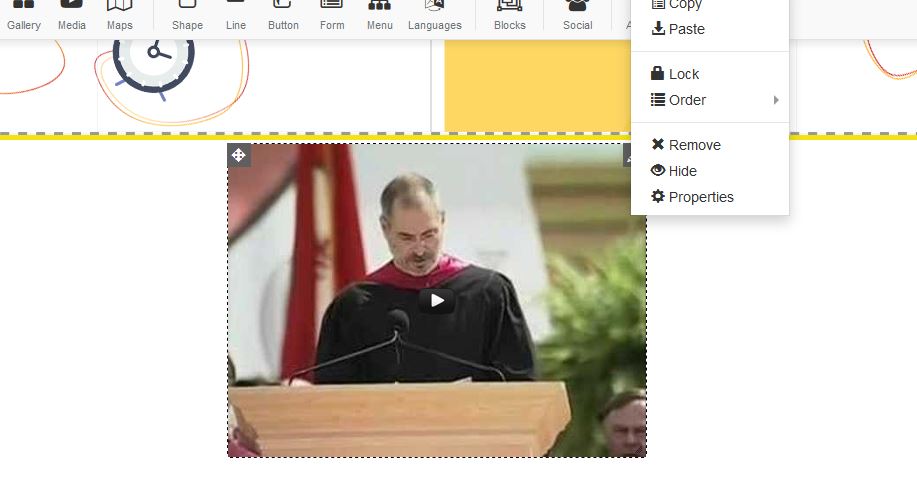
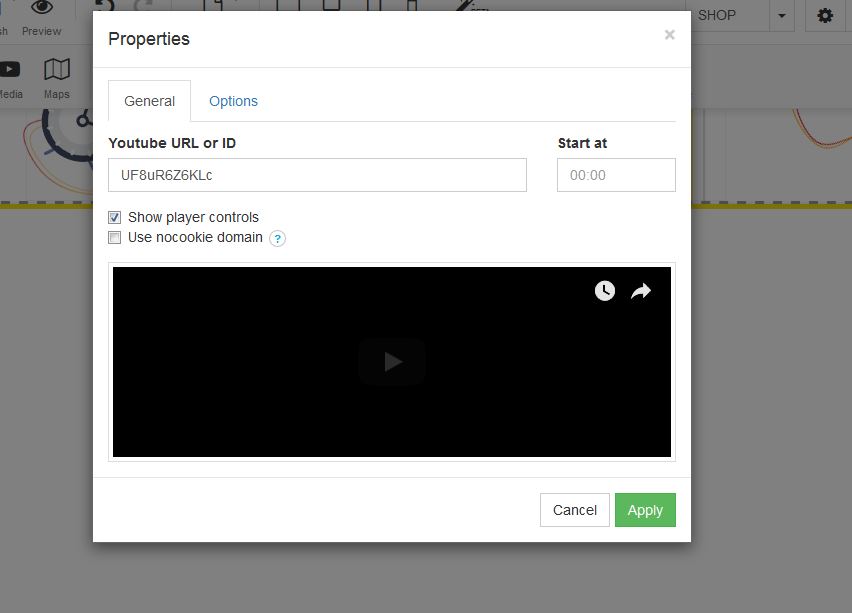
For Youtube: Right click and select properties.
STEP 4:
A box will appear for properties, under the Youtube URL - Add your URL for the video you wish to have displayed on your page:
STEP 5:
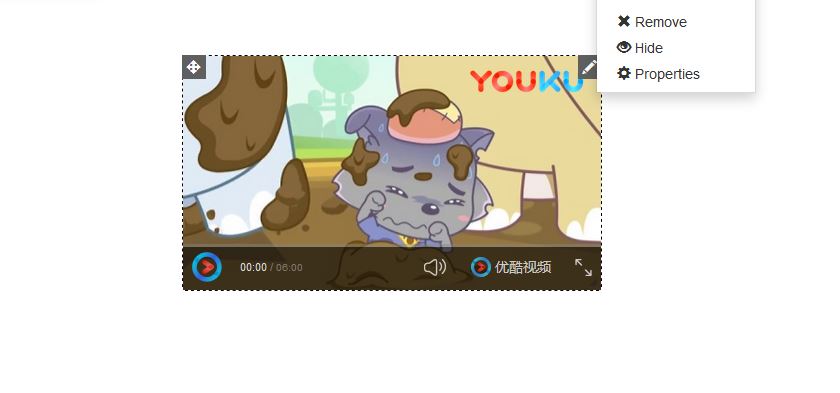
For Youku: Right click and select properties.
A box will appear for properties, under the URL - Add your URL for the video you wish to have displayed on your page:
STEP 6:
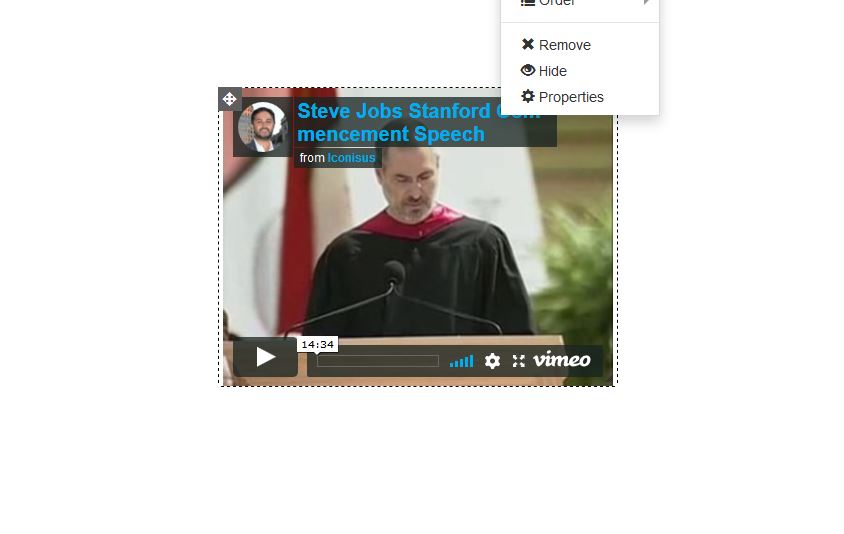
For Vimeo: Right click and select properties.
STEP 7:
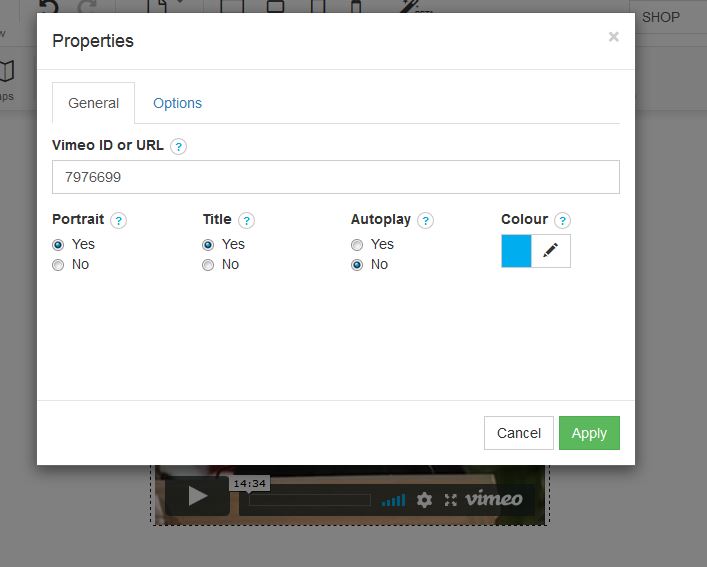
A box will appear for properties, under the URL - Add your URL for the video you wish to have displayed on your page:
STEP 8:
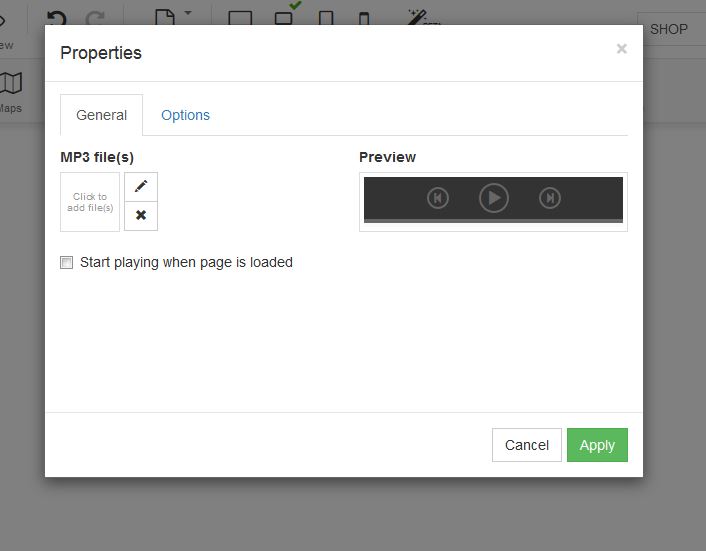
Mp3 players: Under properties a box will appear - upload your video under Mp3 files: