Make your business human by using live chat software for sales, marketing and customer support on your website. Start talking to your customers today!
In order to add Olark to your website, follow these easy steps:
STEP 1:
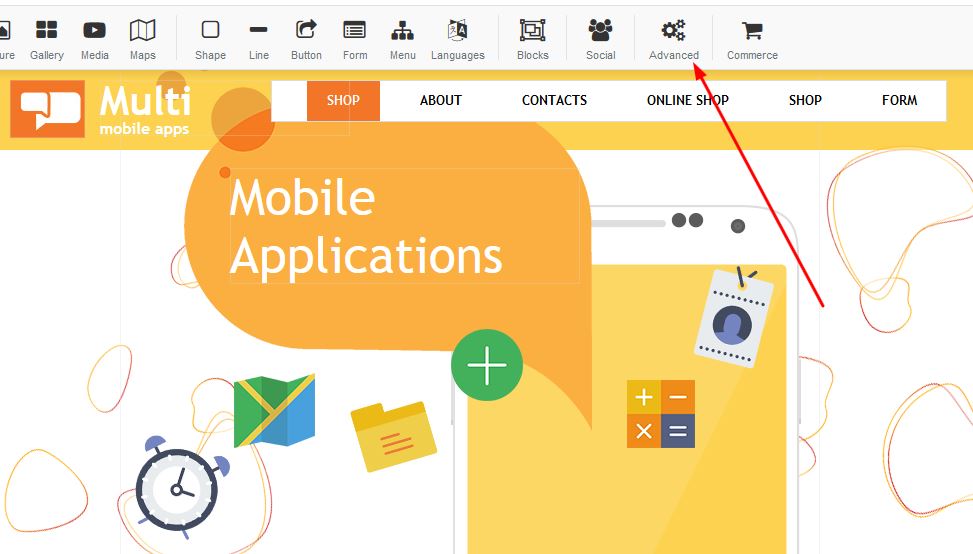
Click on the advanced section:
STEP 2:
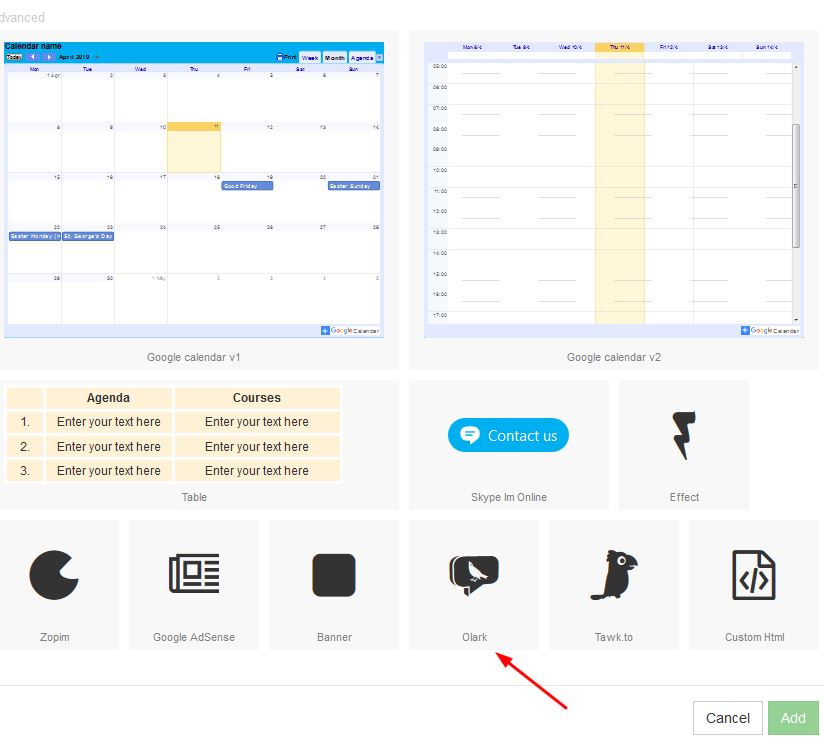
Select the Olark button and press apply:
STEP 3:
A box will appear on your page which you are able to move to the desired area on your page.
Right click and select properties:

STEP 4:
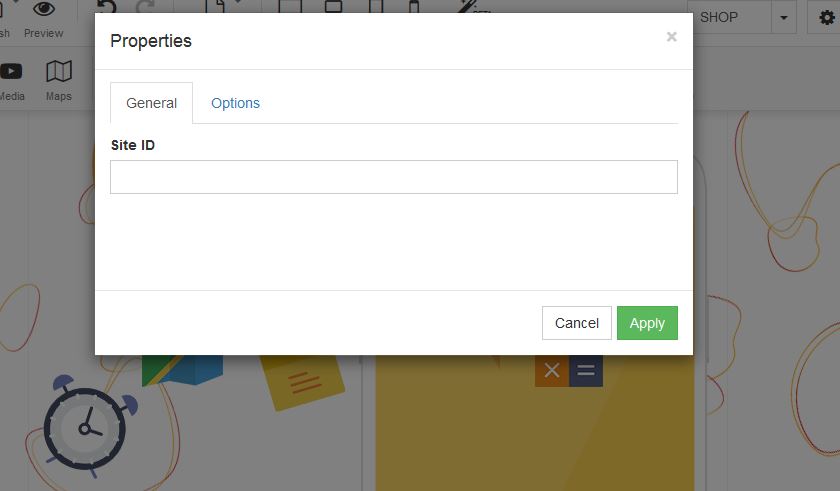
Under Site ID - Add your Olark ID and click on apply: