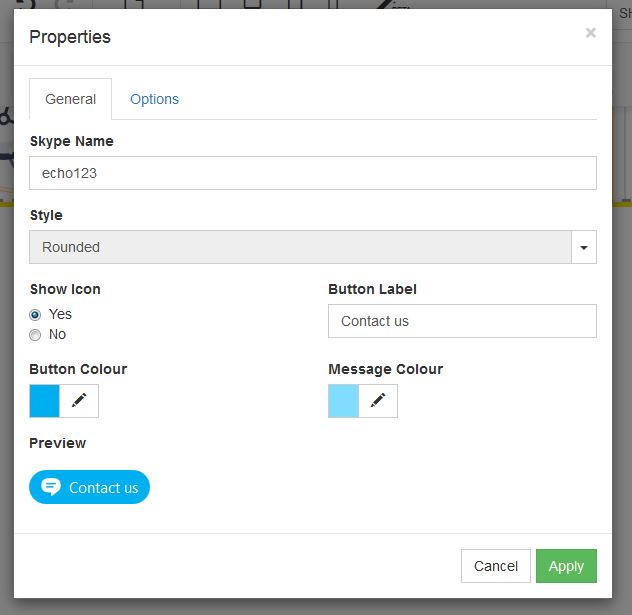
In order to add Skype to your website, follow these easy steps:
STEP 1:
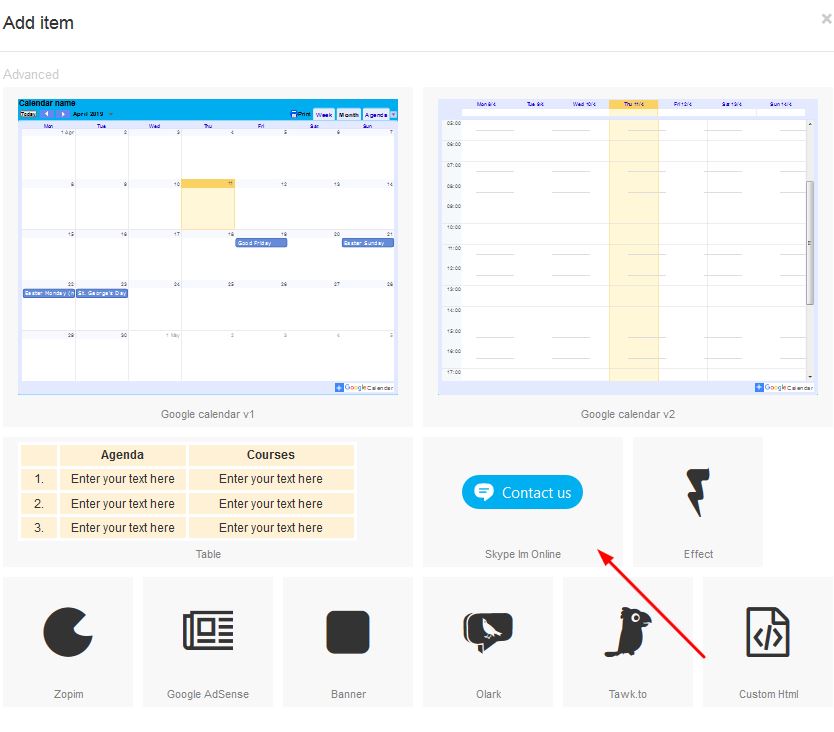
Click on the "Advanced" button:

STEP 2:
Select the "Skype I'm online" option in order to add skype to your page:
STEP 3:
Right click in order to open properties:
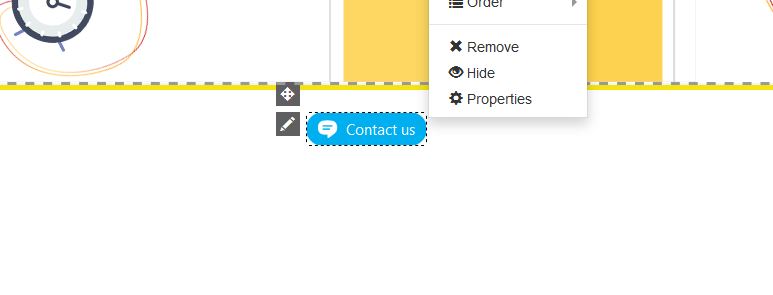
STEP 4:
Under the properties block, click on the general tab and add your skype details to this block and apply.
There are options to change font colours and skype colours which can be done so according to your colour requirements: