In order to add Flickr to your website, follow these easy steps:
STEP 1:
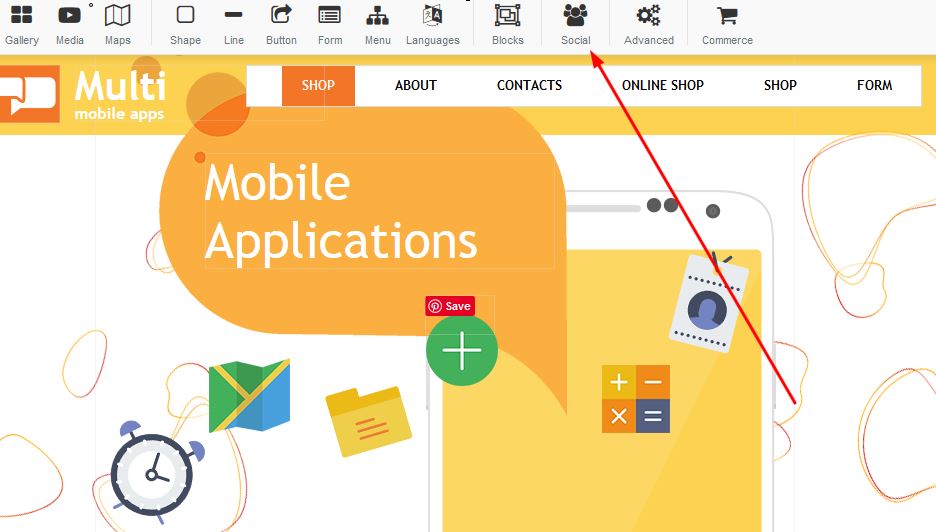
Click on the Social Media button and select the Flickr icona in order to add this to your page and apply:
STEP 2:
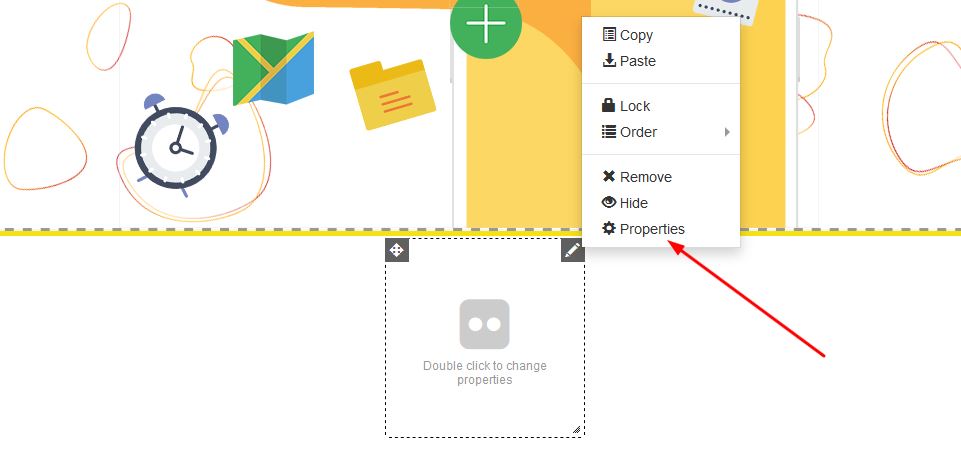
Once your Flickr icon appears on your page, right click and select properties:
STEP 3:
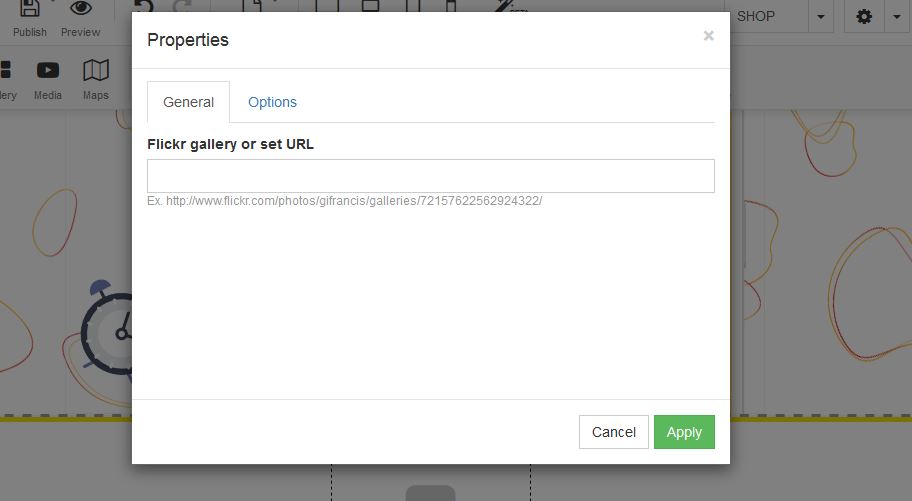
Under Properties, add your Flickr account under the general section and click on apply: