In order to add Instagram to your website, follow these easy steps:
STEP 1:
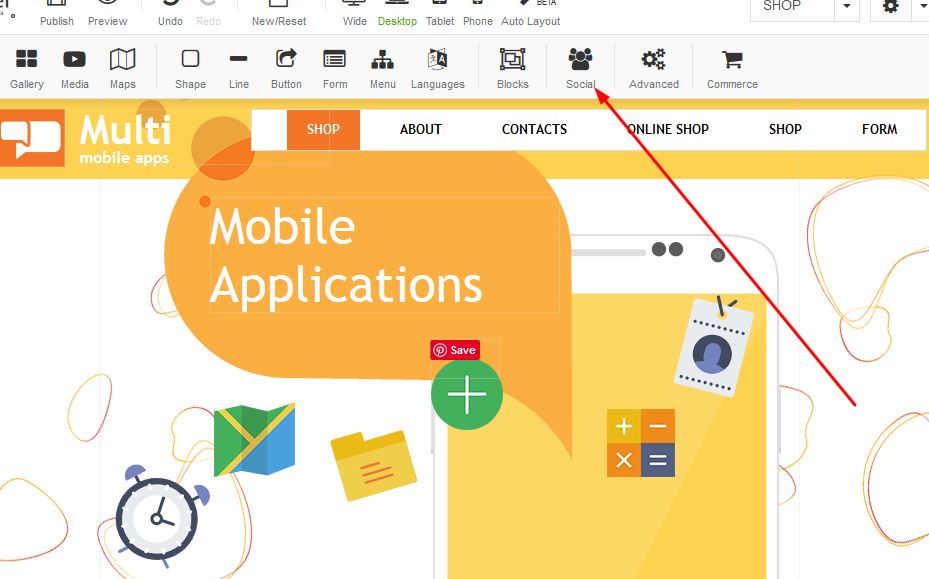
Click on the Social Icon:
STEP 2:
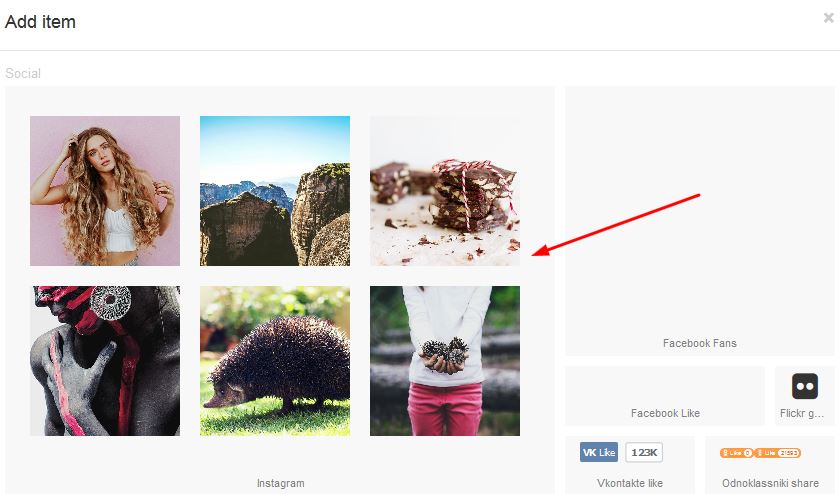
Once the box appears under Social, select the Instagram option:
STEP 3:
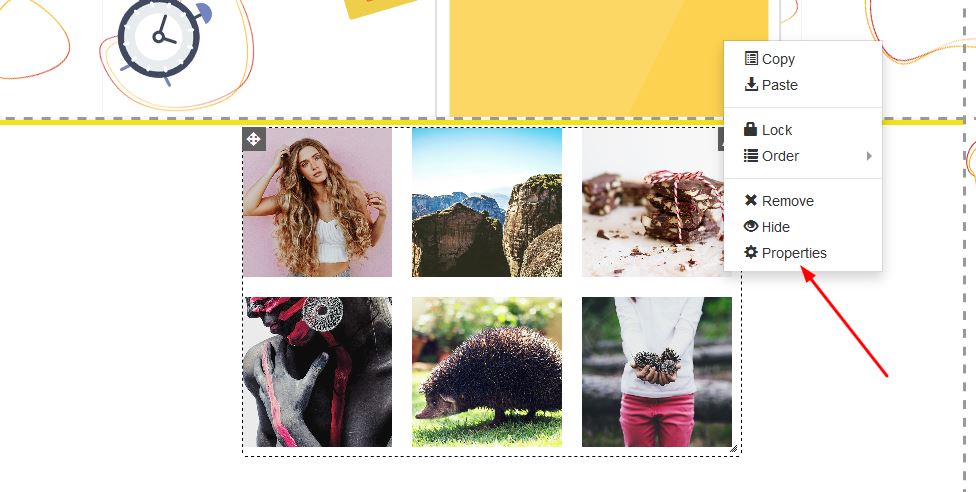
Right click on the Instagram box and righ click for properties:
STEP 4:
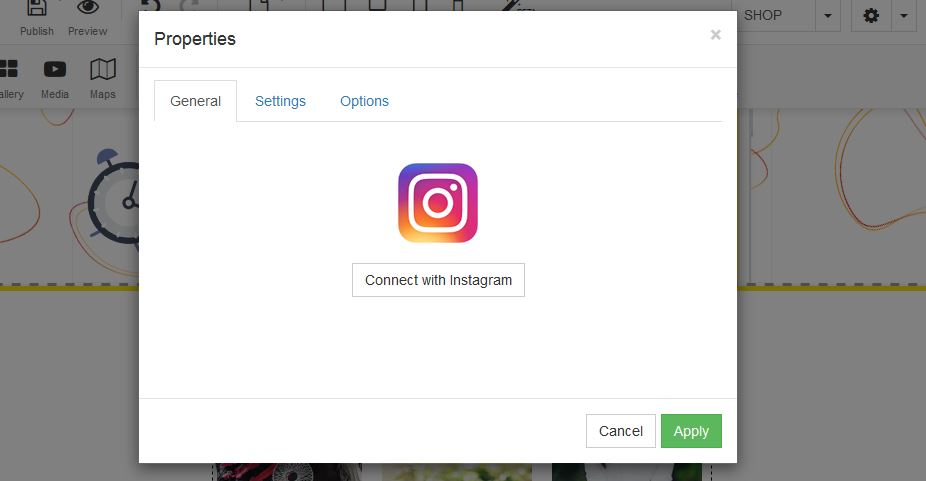
Under the properties box, click on the "Connect with Instagram" button in order to add your account:
STEP 1:
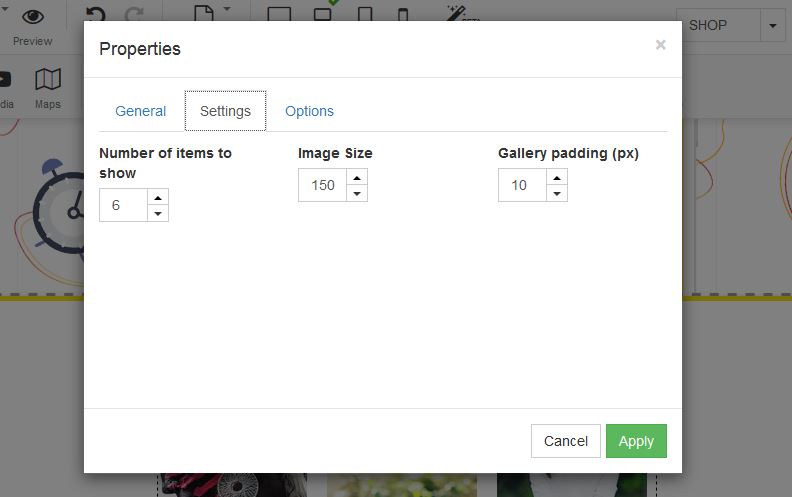
Under Settings, select the item quantities you wish to see - Image sizing and gallery padding: