In order to add Tawk.to to your website, follow these easy steps:
STEP 1:
Click on the Advanced button to apply tawk.to to your website:

STEP 2:
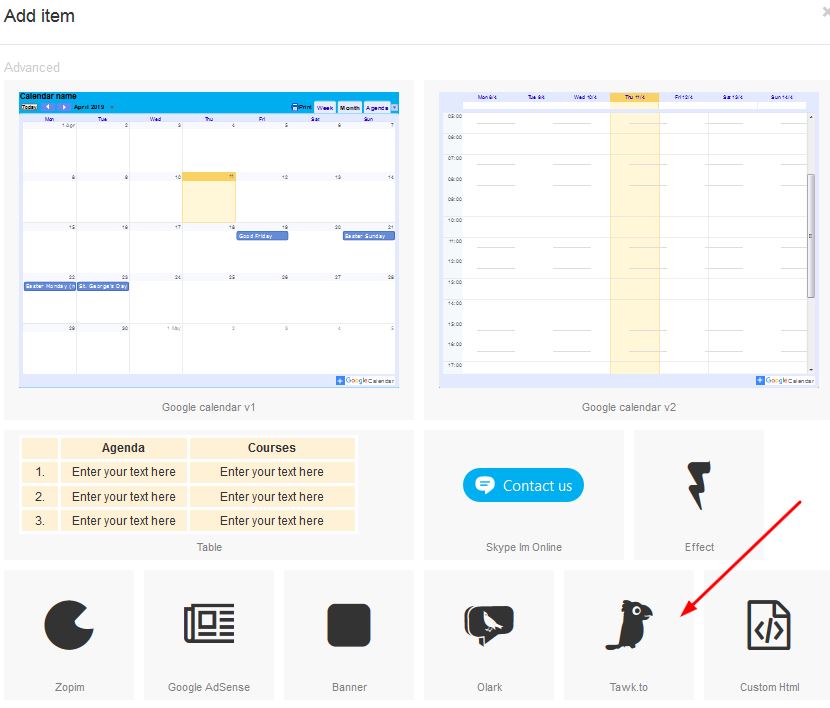
Click on the Tawk.to button in order to add Tawk to your website:
STEP 3:
Once the box appears on your page, right click and select properties:

STEP 4:
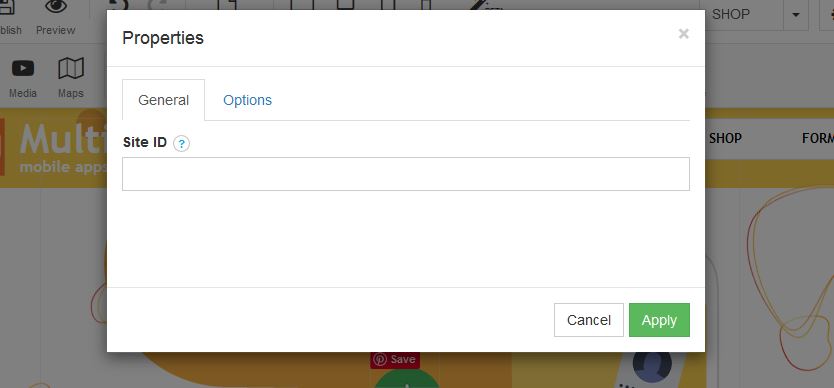
Once the Properties box opens, add your Tawk.to Site ID in the field as per below: